Install the source bundle
Extract the source, install dependencies with uv, and prepare the two-brain voice runtime.
Get the current source
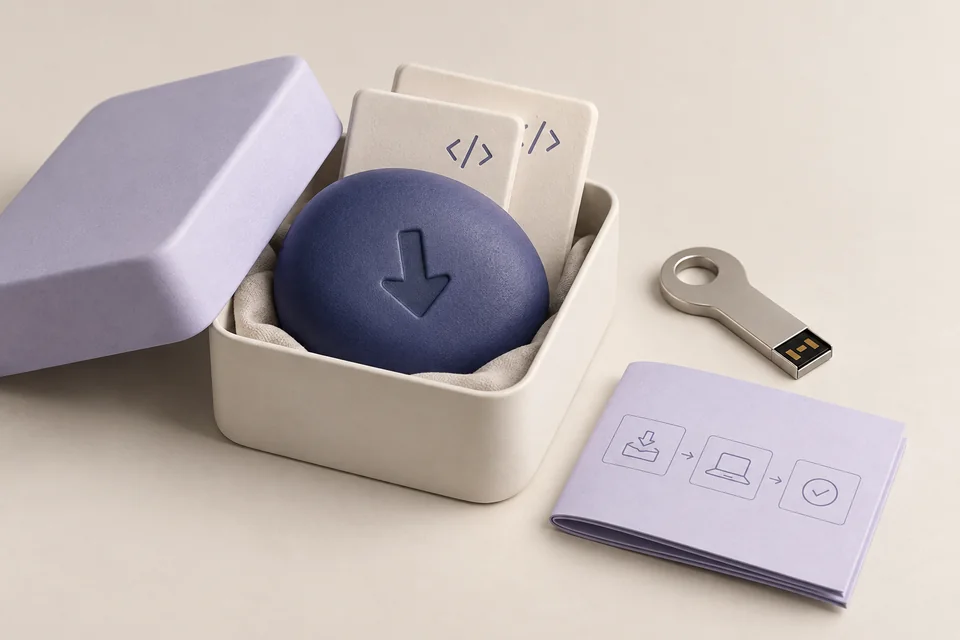
Download the available source bundle from your account's Source Access page. Extract it into its own folder and locate pyproject.toml, uv.lock and .env.example. Existing installations should be backed up before following the release's update instructions.
Install the voice and desktop environment
Open PowerShell in that source directory. uv uses the lockfile to install the core, voice and desktop dependencies. Add optional integration extras only when you need them.
uv sync --locked --extra voice --extra desktopCreate your local configuration
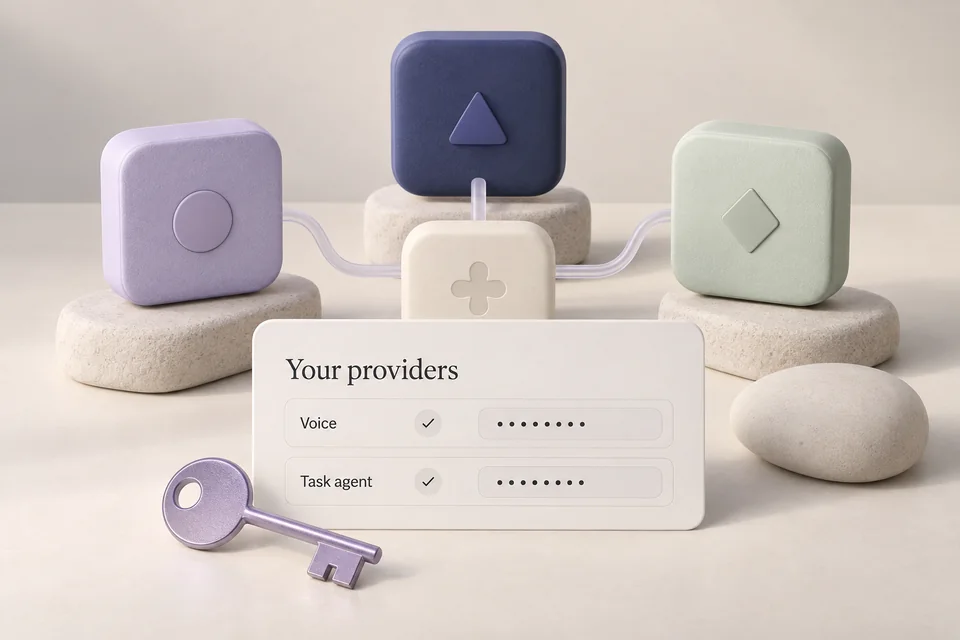
Copy the example only if you do not already have a .env. Edit the file to set GEMINI_API_KEY and the task provider's credentials. Do not paste real keys into support screenshots or shared documentation.
if (-not (Test-Path .env)) { Copy-Item .env.example .env }
uv run jarvis model
Inspect and start
Doctor helps diagnose the installation; desktop status reports available integrations. Start voice and try a small timer request. This gives you a concrete first result before adding more connections.
uv run jarvis doctor
uv run jarvis desktop status
uv run jarvis run