A PERSONAL ASSISTANT. ACTUALLY PERSONAL.

Your computer.
Supercharged.

Ask your computer. Give it context. Put it to work.
Meet Jarvis, your local-first AI assistant. Source included.

BUILT TO BE
YOURS TO CHANGE
SCROLL TO REWRITE THE ROUTINE
01 / SOUND FAMILIAR?SCROLL TO FOLLOW THE THREAD
01 / THE REPETITION

Same clicks.Same tabs.On repeat.

The little tasks have a way of taking up your whole day. Give them a different kind of shortcut.

02 / THE SWITCHING

Your tools.All overthe place.

Search, files, browser, code. Bring the things you do into one conversation.

03 / THE STARTING OVER

New chat.Same context.Again.

Your preferences deserve more than a copy and paste. Give your assistant a memory.

There’s a better use for your energy.
02 / CHANGE THE ROUTINE

Okay.
Now meet Jarvis.

Your next shortcut is a conversation.

JARVIS / FIND01 / 04
THE DOCUMENT YOU HAD IN MINDproject
brief.
VISIONA calmer workspace.SCOPEThe tools you need.NEXT STEPSMake it your own.
JARVIS / LISTEN02 / 04
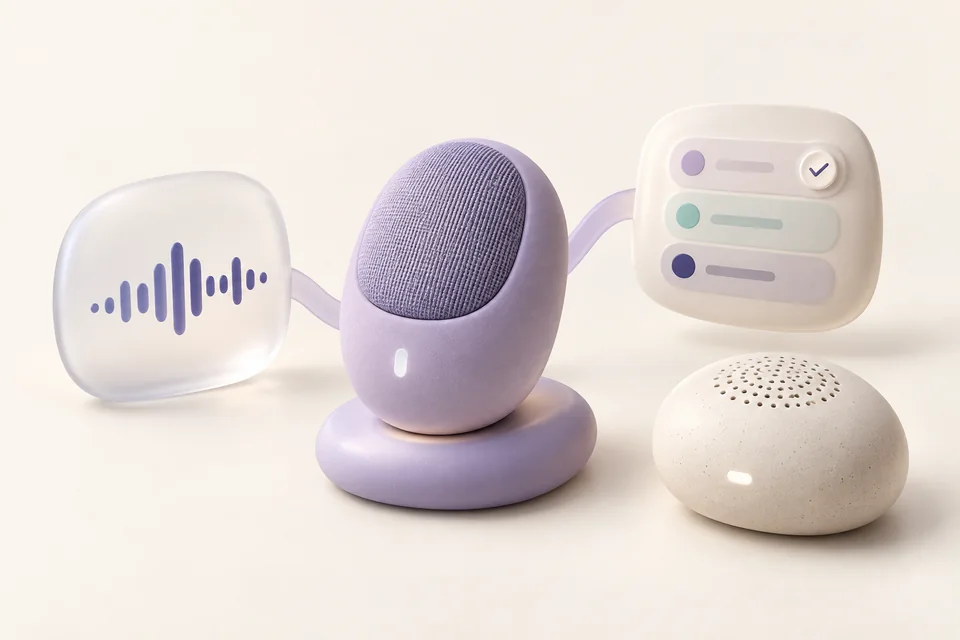
A thought,
transcribed.

“Let’s simplify the navigation before launch.”

  1. Finalize the scope.
  2. Share the first draft.
  3. Review together.
JARVIS / BUILD03 / 04
ORGANIZE_FILES.PY / DRAFTMake room
for what’s next.
organize_files.pyPYTHON / DRAFT
from pathlib import Path
for file in Path("Downloads").iterdir():
    # preview before making changes
    print(file.suffix, file.name)
JARVIS / REMEMBER04 / 04
A SMALL DETAIL, REMEMBERED.Less.
But better.
YOUR RESPONSE STYLEConcise, please.

A little context for your next conversation.

MEETING JARVIS / 01YOU ASK

Find the project brief in this folder.

Right where you left it.
MEETING JARVIS / 02YOU ASK

Transcribe this recording. Pull out the key points.

A thought, made useful.
MEETING JARVIS / 03YOU ASK

Help me write a script to organize these files.

From idea to a first draft.
MEETING JARVIS / 04YOU ASK

Remember that I prefer concise answers.

Less explaining. More you.
  1. 01FIND
  2. 02LISTEN
  3. 03BUILD
  4. 04REMEMBER
ILLUSTRATED REQUESTS / SCROLL TO CONTINUE
01 / FIND

Find the project brief in this folder.

JARVIS / FIND01 / 04
THE DOCUMENT YOU HAD IN MINDproject
brief.
VISIONA calmer workspace.SCOPEThe tools you need.NEXT STEPSMake it your own.
02 / LISTEN

Transcribe this recording. Pull out the key points.

JARVIS / LISTEN02 / 04
A thought,
transcribed.

“Let’s simplify the navigation before launch.”

  1. Finalize the scope.
  2. Share the first draft.
  3. Review together.
03 / BUILD

Help me write a script to organize these files.

JARVIS / BUILD03 / 04
ORGANIZE_FILES.PY / DRAFTMake room
for what’s next.
organize_files.pyPYTHON / DRAFT
from pathlib import Path
for file in Path("Downloads").iterdir():
    # preview before making changes
    print(file.suffix, file.name)
04 / REMEMBER

Remember that I prefer concise answers.

JARVIS / REMEMBER04 / 04
A SMALL DETAIL, REMEMBERED.Less.
But better.
YOUR RESPONSE STYLEConcise, please.

A little context for your next conversation.

You ask. Jarvis acts.

Speak naturally.

Voice or text. Start however you like.

Keep the context.

Memory makes the next request personal.

Put tools to work.

File, browser, and terminal tools.

ILLUSTRATED REQUESTS / YOUR DEVICE IS NOT BEING CONTROLLED
INSIDE JARVIS / THE WORK CONTINUESTHE SAME THREAD. MORE POSSIBILITY.
01 / A TEAM BEHIND THE TASK

One idea.More than one mind.

Explore the codebase. Plan the next step. Delegate the work. Jarvis can call on exploration, planning, and general-purpose agents, with room for your own specialists.

Explore agent workflows
ONE CONTINUOUS THREAD01
A SHARED TASK / FOCUS TIMERThe right minds.
The same page.
01
EXPLORETimer.tsx + Controls.tsx

Understand what is already there.

02
PLANStart. Pause. Reset.

Give the next step a clear shape.

03
BUILDReview the edge cases.

Reset should also pause the timer.

JARVIS / AGENTSAN ILLUSTRATED WORKSPACE
02 / CONTEXT THAT STAYS WITH YOU

Pick up whereyou left off.

Save a preference. Recall a project note. Search an earlier conversation. Jarvis keeps useful context locally, with the option to remove what you no longer need.

Explore memory
ONE CONTINUOUS THREAD02
YOUR CONTEXT / KEPT LOCALLYA little memory.
A lot less again.
PREFERENCE

Use Python examples.

PROJECT

Personal website. Calmer navigation.

CONVERSATION

Right where we left off.

Save it. Recall it. Remove it when you want.
JARVIS / MEMORYAN ILLUSTRATED WORKSPACE
03 / BEYOND THE CONVERSATION

A thought becomessomething done.

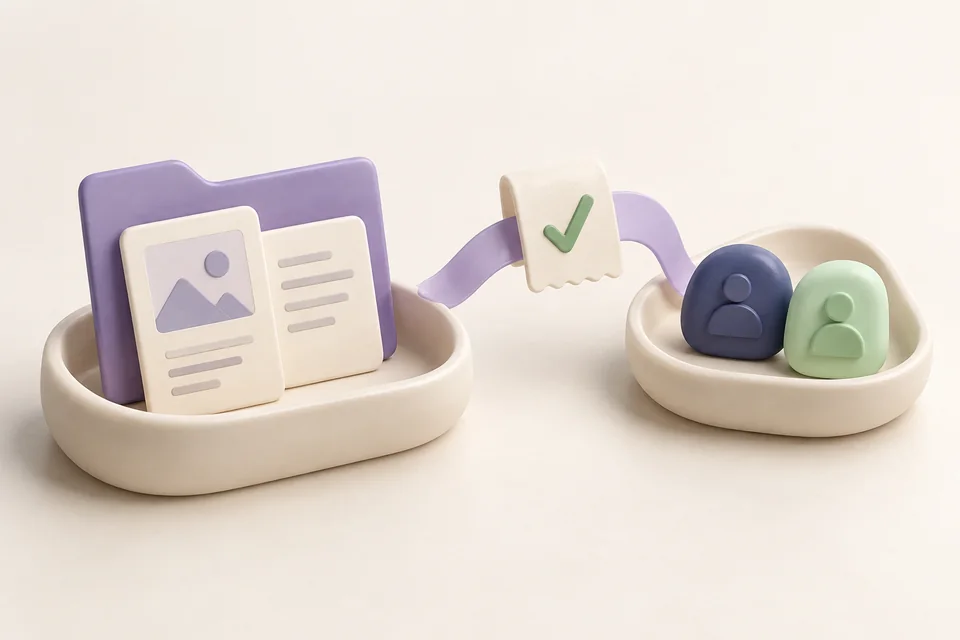
Find the file. Inspect a web page. Run a command. Schedule the next task. Jarvis brings its file, browser, terminal, and scheduling tools into the conversation.

Explore tools
ONE CONTINUOUS THREAD03
FROM A REQUEST / TO A RESULTBeyond
the conversation.
FILESproject-brief.mdFound
BROWSERThe useful part of a pageRead
TERMINALHello, possibility.Run
SCHEDULEReview the next stepPlan
JARVIS / TOOLSAN ILLUSTRATED WORKSPACE
03 / MORE THAN A CHAT WINDOW

One assistant.
A lot up its sleeve.

Scroll through. Play a little.
Find your kind of useful.

Voice & conversation01
Start with your voice.

A thought, given a voice.

Speak a thought. Let the right brain take it from there.

4 capabilitiesExplore
Computer control02
Take a look at the desktop.

Your PC. On your terms.

Set a timer. Restore a workspace. Follow a result.

13 capabilitiesExplore
Everyday tools03
Files. Browser. The web.

Less clicking. More doing.

Prepare these images. Organize my tabs.

9 capabilitiesExplore
Code & create04
An idea in your own words.

From what if to it works.

Find the bug. Help me build the fix.

5 capabilitiesExplore
Memory & intelligence05
A preference worth remembering.

Pick up where you left off.

Remember how I like to work.

5 capabilitiesExplore
Connected tools06
Your configured connections.

Make your world respond.

Connect my tools. Make it mine.

9 capabilitiesExplore
01 / 06

Interactive illustrations. Explore each capability for setup and availability.

THE EVERYDAY, REIMAGINED

There’s a whole world
behind one little request.

45 capabilities. 30 practical walkthroughs. Follow an ordinary request into something surprisingly useful.

Explore the complete field guide
A THOUGHT FOR LATER

Give later
a little less to do.

A SMALL NUDGE

A thought now. A nudge later.

A project to revisit. A thought to come back to. Give it a time, and let Jarvis keep the schedule.

A LITTLE RHYTHM

One intention. A rhythm of its own.

Prepare a project brief every weekday. Turn a one-time reminder into a recurring agent task, in the same conversation.

ROOM TO CHANGE YOUR MIND

Even a rhythm needs room to breathe.

Pause, resume, or remove a scheduled task. Your local Jarvis scheduler needs to stay running to carry it out.

04 / GO ON, GET CREATIVE

Start with a thought.
See where it goes.

A few things your next conversation could become.

A recording. A transcript. A useful next step.

Jarvis, transcribe this recording and summarize the key points.

Explore this possibility
Connect the dots on your next rabbit hole.

Jarvis, search the web and walk me through what you find.

Explore this possibility
That little project you've been thinking about.

Jarvis, help me write a script to organize these files.

Explore this possibility
A MOMENT WORTH KEEPING00:42
THE THOUGHT

“What if we made a little more room for the things we want to make?”

A thought, transcribed.
AUDIO + CONTEXT

Hear the idea.

Jarvis, transcribe this recording and summarize the key points.

Explore this possibility
AN OPEN QUESTIONSEARCH / CONNECT / UNDERSTAND
Follow your
curiosity.
01 The question02 The sources03 The bigger picture
A few useful connections. A new point of view.
SEARCH + CONTEXT

Follow the idea.

Jarvis, search the web and walk me through what you find.

Explore this possibility
idea.pyA PLACE TO BEGIN
01 from pathlib import Path
02
03 for file in Path("Downloads").iterdir():
04 print(file.suffix, file.name)
PREVIEW OUTPUT

.md project-brief.md
.py idea.py

CODE + TOOLS

Make something.

Jarvis, help me write a script to organize these files.

Explore this possibility
A NOTE FOR NEXT TIMEYOUR CONTEXT
Less explaining.
More you.
RESPONSE STYLE

Short. Clear. Just enough.

Kept for the next conversation.LOCAL MEMORY
MEMORY + CHAT

Keep the thread.

Jarvis, remember that I prefer concise answers.

Explore this possibility

One assistant.
Wherever the idea goes.

Explore all features
  1. 01HEAR
  2. 02FOLLOW
  3. 03MAKE
  4. 04REMEMBER
ILLUSTRATED POSSIBILITIES
A SHAPE THAT IS YOURS

Make room
for your way.

CHOOSE THE MIND

Your assistant. Your choice of model.

Connect a cloud provider or an installed local model server. The provider, model, and connection are yours to configure.

BRING YOUR TOOLS

A place for the tools you use.

Connect configured MCP servers to discover and call their tools. Each service keeps its own setup and authentication.

MAKE IT FEEL LIKE YOU

Good habits, built right in.

Add reusable skills, Python extensions, and specialist agents. Local models need installation; cloud services and online tools need a connection.

A FEW GOOD QUESTIONS

Curious? Good.

Here's a little more context.

The next move is yours

Your own assistant.
Built your way.

Get the source. Bring your providers. Turn Jarvis into the assistant that works the way you do.