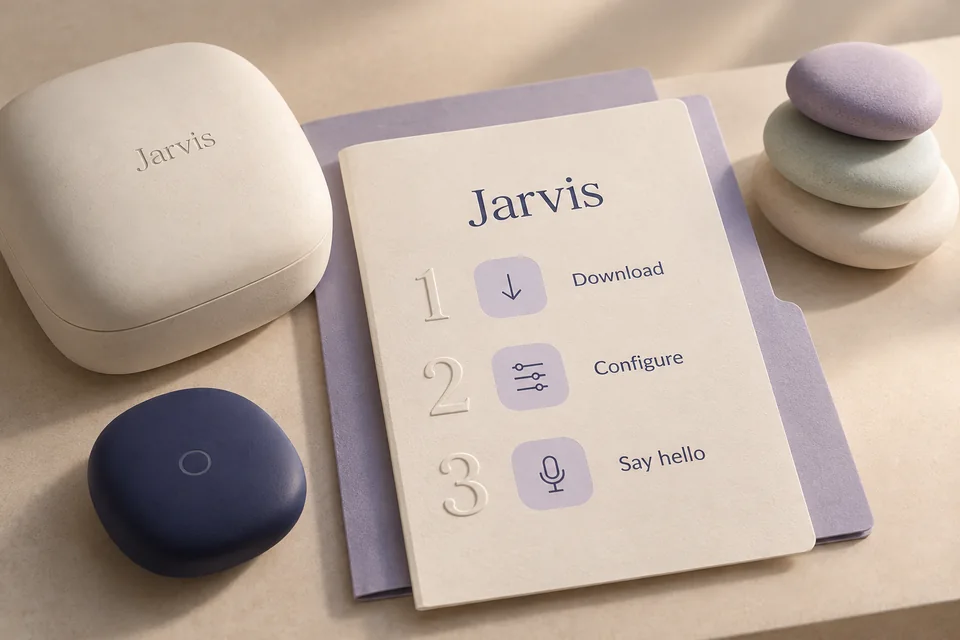
Live voice conversation
Speak through your microphone and hear spoken responses through your selected output device. Gemini Live handles the voice session.
Live conversation for the moment. A task agent for the work that follows.
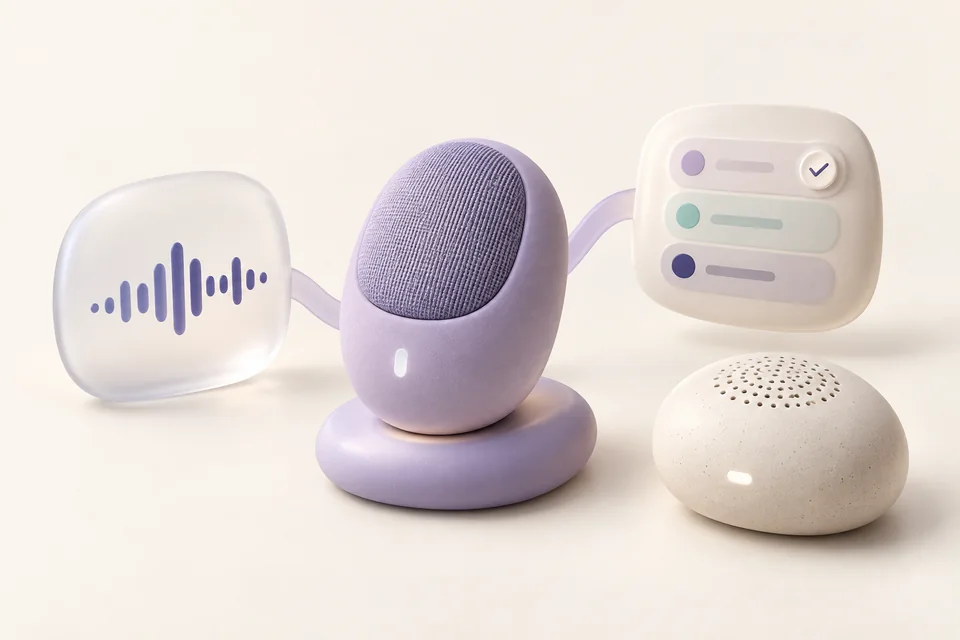
Jarvis, set a twenty-minute focus timer.
You are in the middle of something. A timer should take a sentence; investigating a broken script needs a little more thought. Jarvis connects a live voice assistant to a separate task agent, so everyday desktop actions and deeper work have their own place in the same conversation.
See it in your daySpeak through your microphone and hear spoken responses through your selected output device. Gemini Live handles the voice session.
Everyday function calls go to the desktop service. Research, writing and complex coding can be delegated to the high-level agent.
The audio path handles interruption and clears pending playback so the conversation can change direction. Actual responsiveness depends on your devices and connection.
The task agent can transcribe recordings, synthesize speech and play audio through configured providers. These are separate from the live microphone session.
Follow the thought from the first sentence to the result. Make the names, files, and timing your own.
You want to keep working without finding a timer app or typing a command.
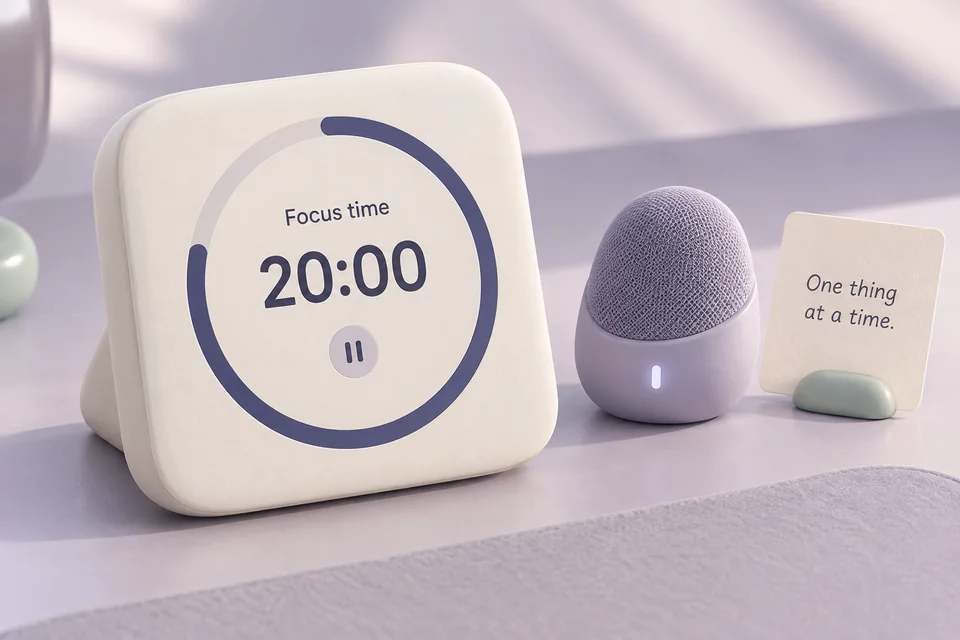
“Jarvis, set a twenty-minute focus timer.”
The voice session receives your spoken request and selects the organizer function.
The desktop service stores a timer with a concrete duration and an identity you can refer to later.
When it becomes due, the service records the event. Native alerts depend on Windows notification setup; voice announces results when the conversation is idle.
A saved timer that you can list, pause, resume or cancel. Starting it is separate from its eventual notification.
An explanation needs repository context and tool use, beyond an immediate desktop operation.
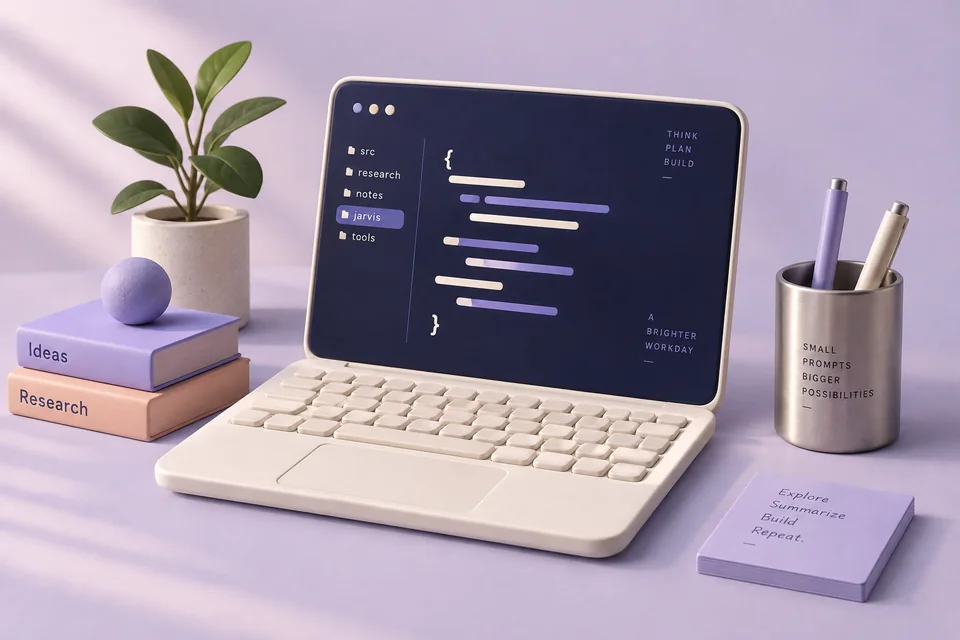
“Explain why the test in this project fails, inspect the relevant code, and suggest a small fix.”
Jarvis passes the requested task to the configured high-level agent through an authenticated local connection.
That agent can inspect files, search the project, plan and run permitted tools using its configured model.
The returned result comes back into the voice conversation. Check the changed files and actual test output before treating the work as resolved.
An explanation and any permitted tool results. Delegation is not a promise that every project dependency or test environment is ready.
You have a recording on disk and want something you can return to later.
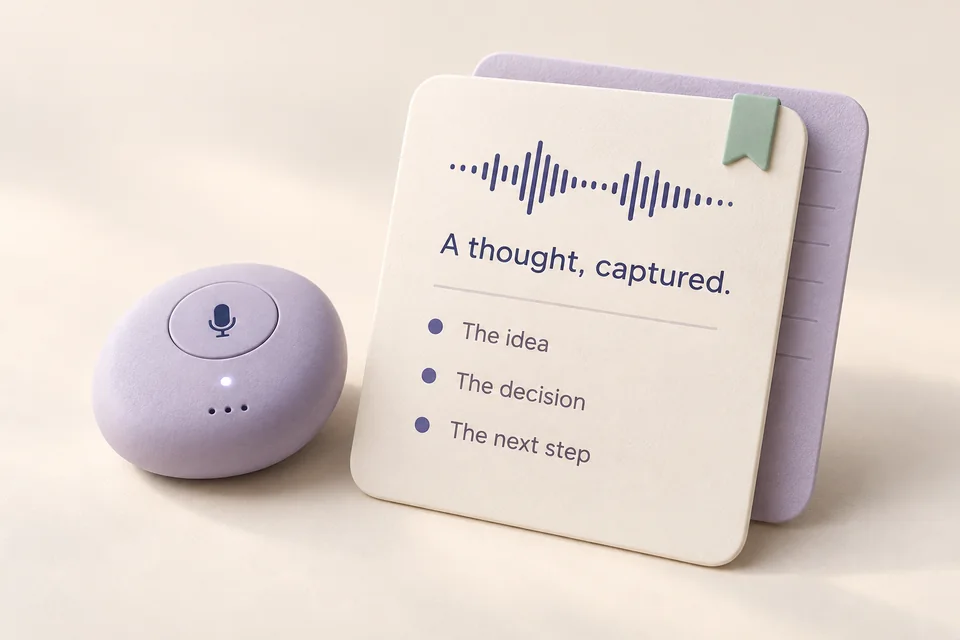
“Transcribe this audio file and write a short summary with the next steps.”
Supply or resolve the exact audio file so Jarvis uses the intended recording.
The configured transcription tool produces text; the task agent can organize that text into decisions and next steps.
Ask it to save the summary to a named file, then open and review it. Speech synthesis can read the summary aloud if configured.
A transcript and, when requested, a saved summary. Unclear speech and speaker identity need human review.
Run this in the extracted Jarvis source directory with uv installed.
uv sync --locked --extra voice --extra desktopSet GEMINI_API_KEY in the project-local .env. Configure the task model and its credentials with jarvis model. A local task model does not replace the cloud voice connection.
uv run jarvis modelList devices if the default microphone or speaker is wrong. The plain jarvis command also starts voice mode.
uv run jarvis lowlevel --list-devices
uv run jarvis runThe default spoken conversation uses Gemini Live and an API key. Local storage and a local task model do not make the voice path offline.
Interrupting speech or timing out a delegation does not undo an action already performed. Inspect the task or activity result before retrying.
Workflow images are generated illustrations, not screenshots of a connected assistant. Availability depends on your configured tools and providers.

Recognize the project, remember its other name, and keep the next step close.

Organize your real tabs, carry useful information across apps, and return to a saved setup.

Find the file, read the screenshot, prepare a batch, and reuse the recipe.