Project document sharing
Resolve README and license roles to verified project files, including a known remote revision when remote retrieval is allowed.
Resolve a project and recipient, prepare the actual files, and inspect delivery receipts.
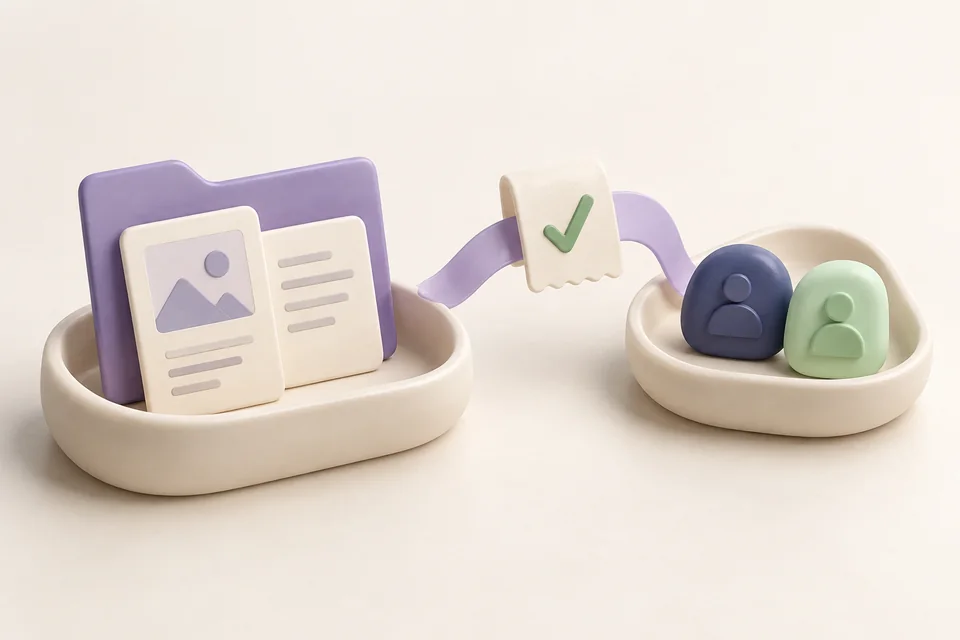
Share the WA bridge README and license with Priya on Telegram.
‘Send them the README’ contains several questions: which project, which checkout, which person and which account? Jarvis's sharing workflow resolves those details, prepares exact file copies and sends through a connected messaging adapter when you explicitly ask.
See it in your dayResolve README and license roles to verified project files, including a known remote revision when remote retrieval is allowed.
Use explicit paths, an observed Explorer selection or a supported active file as the source of an attachment batch.
Inspect authenticated accounts, choose the sender and resolve reachable recipients without treating an open messaging window as authentication.
Prepared attachments retain content hashes. Each file has its own result, so partial and uncertain delivery can be inspected.
Follow the thought from the first sentence to the result. Make the names, files, and timing your own.
The project has a remembered name and you want to hand over its actual documents.
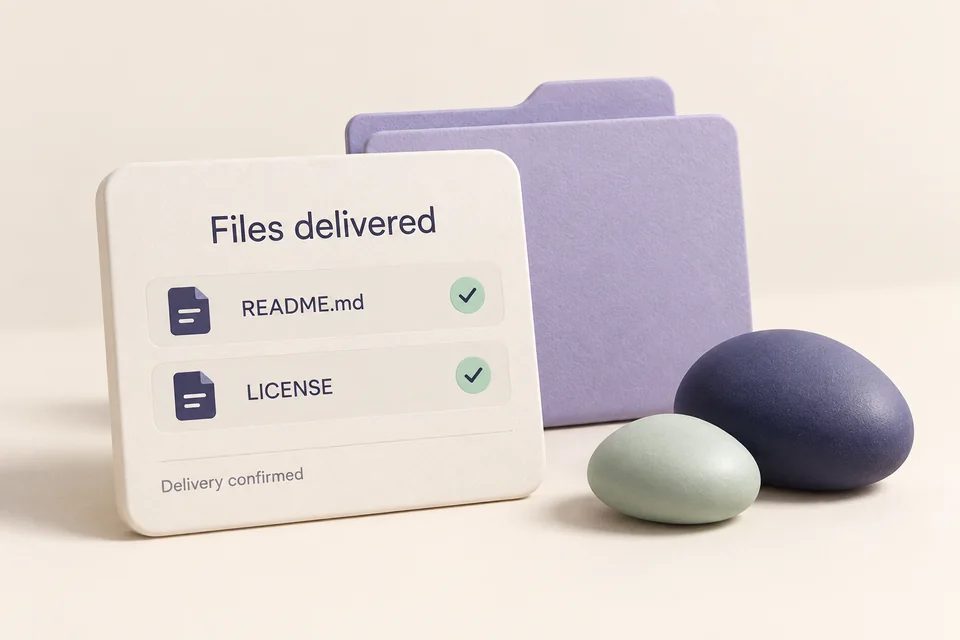
“Share the WA bridge README and license with Priya on Telegram.”
Jarvis resolves the project, verifies the requested document paths and checks whether multiple checkouts need a choice.
It looks up reachable recipients and authenticated sending accounts. Ambiguous names or multiple senders need an explicit selection.
The workflow prepares copies of the exact file bytes, sends each attachment through the connected adapter and records the returned receipts.
A background sharing result with a receipt for each file, or a clear partial/uncertain outcome. A message ID means the service accepted it, not that the person read it.
You already know the files visually, so restating every filename is unnecessary.

“Share these selected files with Priya from my Personal Telegram account.”
The context snapshot identifies the actual selected paths and verifies that the files still exist.
Jarvis resolves the intended account and exact recipient, then prepares a stable copy of each attachment.
Each attachment is dispatched separately. Inspect the batch result before retrying any file with an uncertain outcome.
Delivery attempts for the selected files. The current batch limit is 20 files and 50 MB, with potentially lower adapter limits.
Jarvis knows the repository relationship, but the original local folder is no longer available.
“Share the project's README from its known remote if the local checkout is unavailable.”
The project record supplies a previously verified remote; Jarvis does not invent a repository address.
When allowed, it fetches the root README or license into managed storage without running the repository's code or dependencies.
The revision and source travel with the prepared document. The sharing result identifies which version was used.
A document from the known remote revision when accessible. It cannot include unsaved or missing local changes.
Register an existing authorized Telethon session from its environment file. Replace the example path with your real account setup.
uv run jarvis desktop setup-telegram --env "C:\path\to\account\.env" --label PersonalInstall the Telegram extra, then restart an idle desktop service and the voice session. The connected account can work without an open Telegram app.
uv sync --locked --extra voice --extra desktop --extra telegram
uv run jarvis desktop restart
uv run jarvis desktop telegram-accountsBot gateway adapters know conversations they have observed. Personal-account directories and independent compatible bridges have their own authentication and reachability.
The desktop sharing adapter does not automatically reply to chats. An explicit send/share request and resolved destination are required; incoming gateway users need owner-context authorization.
Interrupted or unconfirmed sends are not automatically replayed. Check receipts before retrying to avoid duplicates. A missing adapter is a connection issue, not proof that a person does not exist.
Workflow images are generated illustrations, not screenshots of a connected assistant. Availability depends on your configured tools and providers.

Use supported Windows controls, inspect visible context and work with connected applications.

Watch a download or build, inspect long-running work, and undo supported actions.

Choose the task model, connect MCP tools and teach reusable ways of working.