File search & exact operations
Search within a specified root, read files, open known paths and perform supported copy, move or rename operations.
Find the file, read the screenshot, prepare a batch, and reuse the recipe.

Convert these selected images to WebP, 1,600 pixels wide.
A lot of computer work is preparation: finding a document, making images smaller, taking a few pages from a PDF or packing a delivery folder. Jarvis combines exact file operations with background preparation jobs, so the source, output and next step stay connected.
See it in your daySearch within a specified root, read files, open known paths and perform supported copy, move or rename operations.
Index supported text and opt selected folders into local image OCR. Search results report freshness and coverage.
Convert and resize selected images into verified outputs while retaining source files. Reuse a completed job's settings with new inputs.
Merge PDFs, extract selected PDF pages, create ZIP archives and extract supported archives into prepared outputs.
Trim video or extract audio with installed FFmpeg/ffprobe. Preparation runs as a job whose output can be inspected.
Follow the thought from the first sentence to the result. Make the names, files, and timing your own.
The originals are too large for a website and you do not want to repeat the same export settings for every file.
“Convert these selected images to WebP, 1,600 pixels wide.”
Jarvis captures the actual Explorer selection or uses explicit observed paths, then checks that the selection is still valid.
A background job applies the format and width settings to the batch while preserving originals.
The job verifies output dimensions and returns the files and supported recovery information. Open a sample before publishing.
Prepared WebP files with an inspectable job result. Individual failures or missing files are reported rather than described as a fully successful batch.
You remember the error text but not the screenshot's filename.
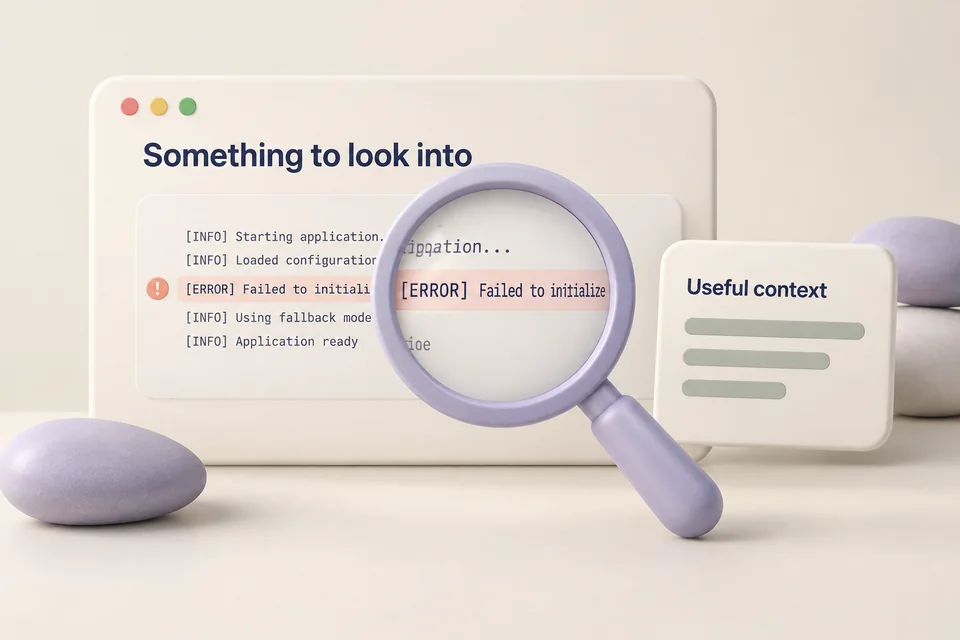
“Find the screenshot mentioning authentication in my indexed project folder.”
Choose a folder and explicitly include images when building its local text/OCR index.
Jarvis searches the indexed snapshot and excludes candidates whose files have changed or disappeared.
Review the matching paths and coverage information. Refresh the index when new files or incomplete coverage matter.
Candidate screenshots from the indexed folder. OCR can misread characters; no match does not prove the file does not exist.
A collaborator needs a small subset of your material, not the entire working folder.
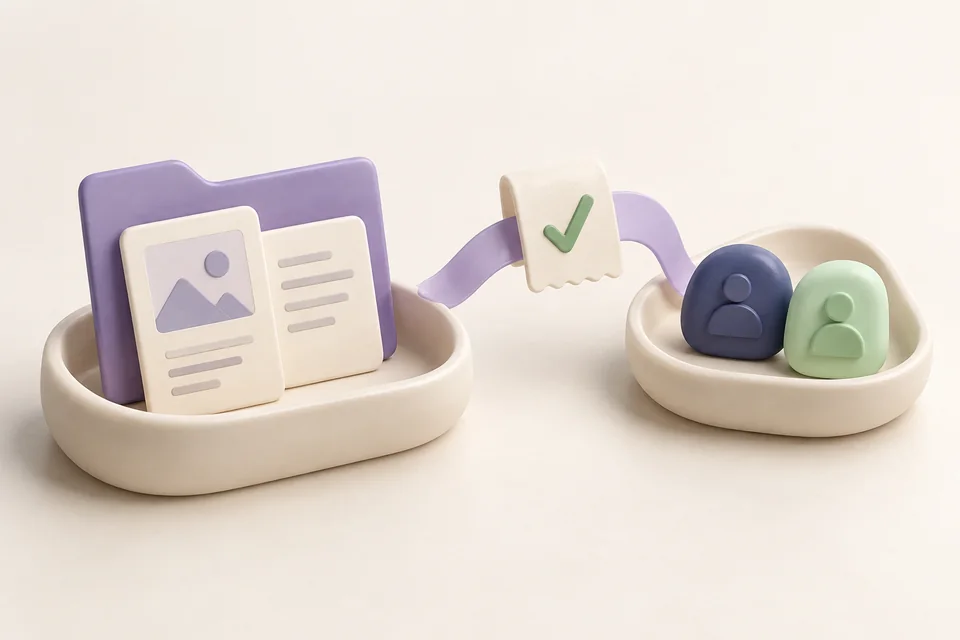
“Extract pages 2 through 5 from this PDF, then put the output in a ZIP with these selected images.”
Resolve the exact PDF, page range and image paths. The preparation tools validate the requested inputs.
Extract the requested PDF pages as a new output, then use the returned path with the selected images in the archive step.
Inspect both job results and open the archive. Sharing is a separate explicit request with a resolved account and recipient.
A prepared PDF excerpt and archive. This example chains supported operations; a failure in the first step must be resolved before the second.
File preparation uses the desktop dependencies. Keep the local service running while a job works.
uv sync --locked --extra voice --extra desktopUse a clear Explorer selection or explicit paths. For OCR, install the appropriate Windows recognition language and opt the chosen folder into image indexing.
Video trimming and audio extraction require FFmpeg and ffprobe on the machine. Check desktop status for available capabilities.
uv run jarvis desktop statusPreparation outputs are separate from source files. A requested move or rename is a different operation that changes the source location.
Supported output undo checks for later changes, then moves outputs into retained recovery storage. It is not an undo guarantee for every possible shell command or arbitrary file operation.
Workflow images are generated illustrations, not screenshots of a connected assistant. Availability depends on your configured tools and providers.

Timers, notes, tasks and reminders that can take the relevant page along.

Explore a codebase, investigate a failure, research sources and create useful artifacts.
Resolve a project and recipient, prepare the actual files, and inspect delivery receipts.