Repository exploration
Read files, search contents and trace related code before proposing an implementation or explanation.
Explore a codebase, investigate a failure, research sources and create useful artifacts.

Read this project, reproduce the failing test, and fix the smallest relevant part.
Some requests need a chain of work: read the project, understand the failure, inspect a source, make a careful edit and check the result. The high-level agent brings file, terminal, web and delegation tools to those longer tasks.
See it in your dayRead files, search contents and trace related code before proposing an implementation or explanation.
Run permitted commands and inspect output. Code mode offers a persistent Python execution workspace for multi-step tasks.
Use connected VS Code diagnostics or the Python diagnostic tools backed by installed ty, pyright or mypy.
Delegate exploration, planning or general work to configured subagents and use their findings within the larger task.
Search sources, extract page text, compare evidence and write a summary or local artifact through the configured tools.
Follow the thought from the first sentence to the result. Make the names, files, and timing your own.
The error is visible but its cause crosses several files.
“Read this project, reproduce the failing test, and fix the smallest relevant part.”
Jarvis resolves the project and reads the relevant implementation, configuration and failure context.
The task agent runs the permitted reproduction, makes a targeted edit and can use installed diagnostics to refine the fix.
It runs the relevant check again and reports the actual result. Review the diff and any remaining failure before merging or releasing.
A local change with specific validation evidence if the environment supports it. A plausible explanation alone is not a passing test.
You need a decision you can revisit, rather than another collection of open tabs.
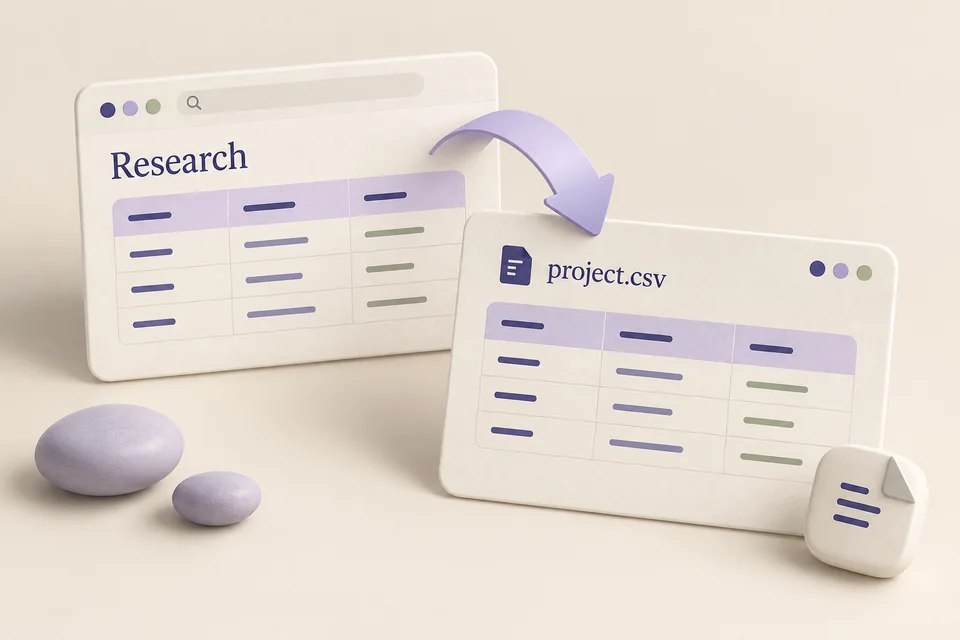
“Compare these three documentation pages and save a short implementation brief with source links.”
The agent retrieves the specified sources through available web or browser tools.
It compares the relevant claims, notes missing access or conflicting information, and organizes the findings around your question.
It writes the requested brief to a file. Open it to verify the links, conclusions and any assumptions before using the recommendation.
A saved research artifact grounded in retrieved sources. Access restrictions and unavailable pages can limit the comparison.
An error involves the desktop, the active project and editor diagnostics; retelling it would lose context.
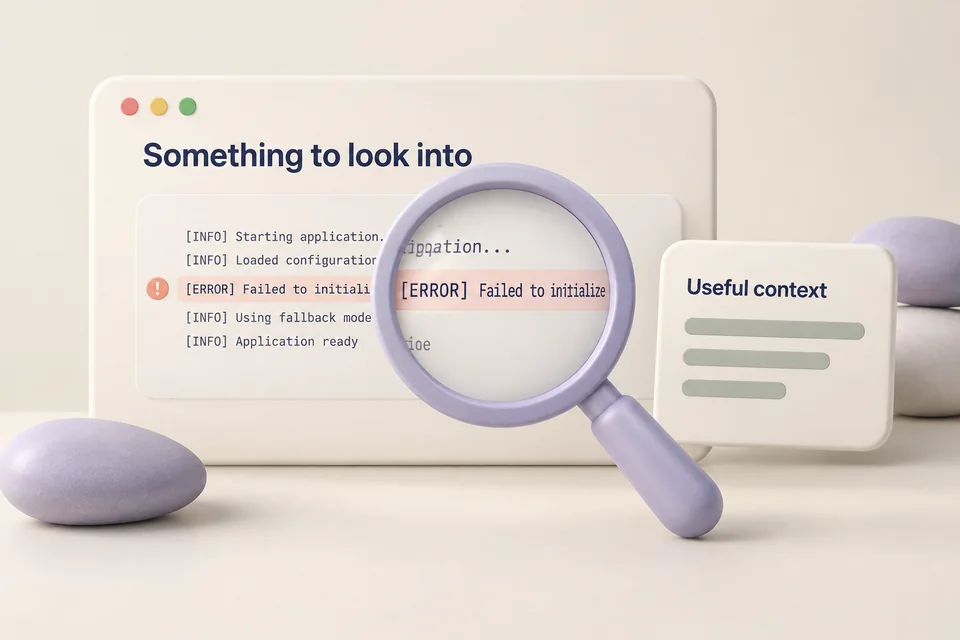
“Capture this error so we can investigate it.”
The desktop workflow collects the available current context and, when enabled, a screenshot.
It adds connected editor diagnostics and saves the captured materials in a local problem bundle.
The result names missing components. Ask the task agent to inspect the bundle and investigate the code using the evidence actually captured.
A local evidence bundle to support debugging. A capture is the beginning of an investigation, not a diagnosis by itself.
Choose a supported provider and its credentials. A local model server must be installed and running separately.
uv run jarvis modelInstall the dependencies, test runner and command-line tools needed by the project being worked on. Jarvis uses the environment you supply.
The VS Code adapter exposes supported context and diagnostics. Python language checks require an installed ty, pyright or mypy backend.
uv run jarvis desktop setup-editor --installTool permissions, agent profiles and the available environment determine what can run. A skill or requested outcome does not grant credentials or bypass access rules.
Editing, testing, committing, publishing and deploying are separate actions. A successful local check does not establish that a remote deployment or account operation worked.
Workflow images are generated illustrations, not screenshots of a connected assistant. Availability depends on your configured tools and providers.
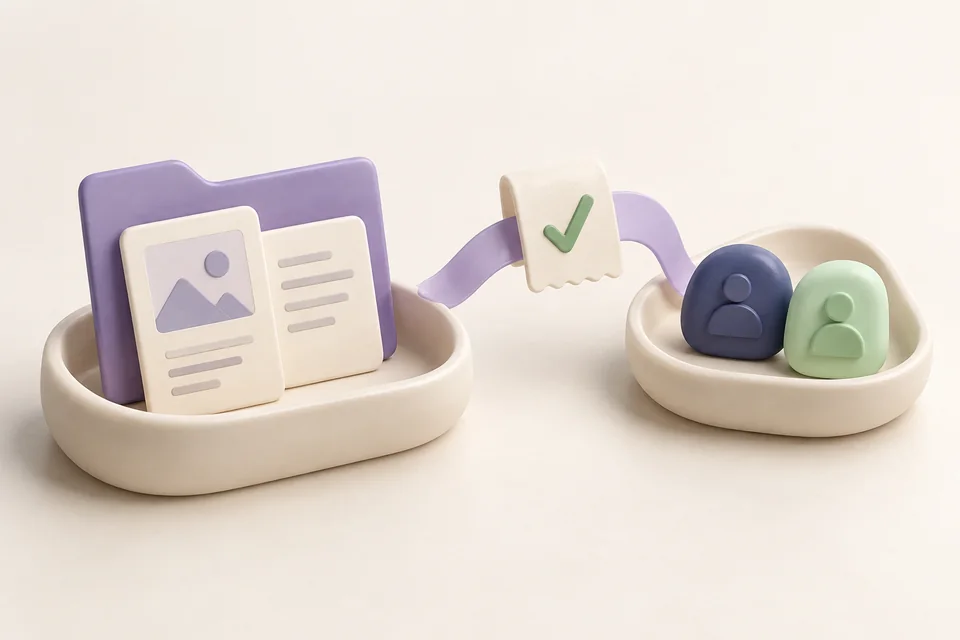
Resolve a project and recipient, prepare the actual files, and inspect delivery receipts.

Use supported Windows controls, inspect visible context and work with connected applications.

Watch a download or build, inspect long-running work, and undo supported actions.