Current desktop context
Capture supported foreground-window, Explorer selection, browser and editor metadata. A snapshot anchors what you meant by ‘this’.
Recognize the project, remember its other name, and keep the next step close.

Remember that this project is also called WA bridge.
A project is more than a folder name. It has a local checkout, a repository, a few important files and the nickname you actually use. Jarvis can connect observed desktop context to persistent project records, then keep explicit notes attached to the right thing.
See it in your dayCapture supported foreground-window, Explorer selection, browser and editor metadata. A snapshot anchors what you meant by ‘this’.
Find learned projects by name, preserve explicit aliases and distinguish a repository from its separate local checkouts.
Keep a project checkpoint or an explicit preference in the appropriate local memory system, then inspect, correct or remove it.
Search stored task-agent conversations and recent desktop observations. A fresh voice launch does not automatically resume your old conversation.
Inspect entities, notes and their sources. Disable context collection separately from forgetting stored records.
Follow the thought from the first sentence to the result. Make the names, files, and timing your own.
The folder has a formal repository name, but you always refer to it by a shorter name.
“Remember that this project is also called WA bridge.”
Jarvis resolves the active project from supported desktop context, or asks you to choose if several checkouts match.
Your explicit correction is stored as an alias of that project, with a stable identity.
A later request such as ‘find WA bridge’ can resolve that stored alias before using approximate matches.
A project you can retrieve by the confirmed alias. Similar spelling produces choices rather than permission to guess.
You are about to switch projects and want the next session to start with a useful reminder of the work.
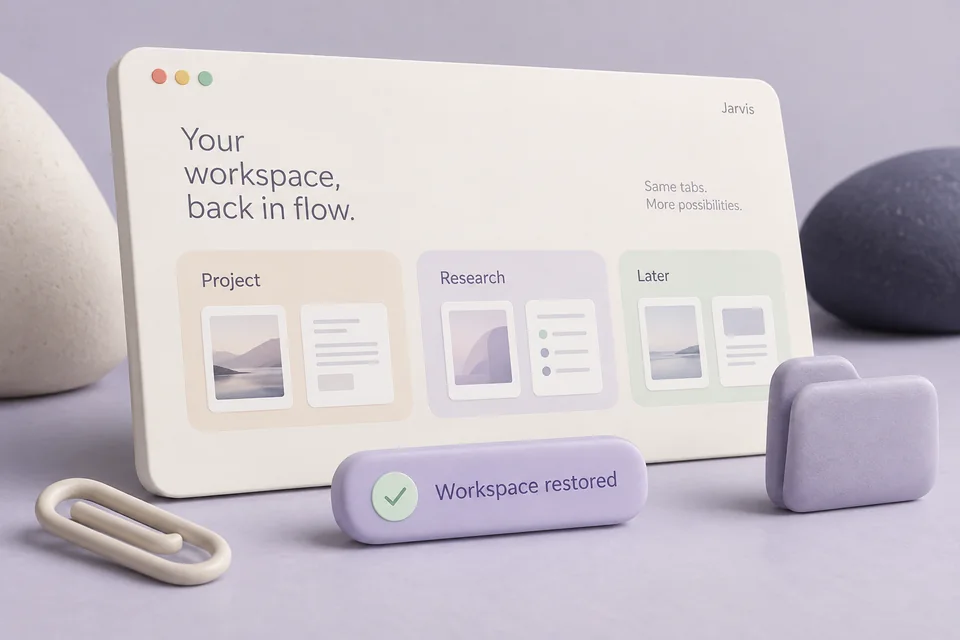
“For this project, remember that the next task is to update the screenshots.”
The current or explicitly named project is resolved; a named project takes precedence over the foreground window.
The supplied checkpoint becomes a note attached to that project's record.
Later, ask to inspect the project notes. Jarvis can bring the checkpoint into a new task without claiming that the work has already happened.
A retrievable project note. It is not automatically a scheduled reminder, a calendar event or completed work.
You have selected a few files in Explorer and want to refer to them naturally.
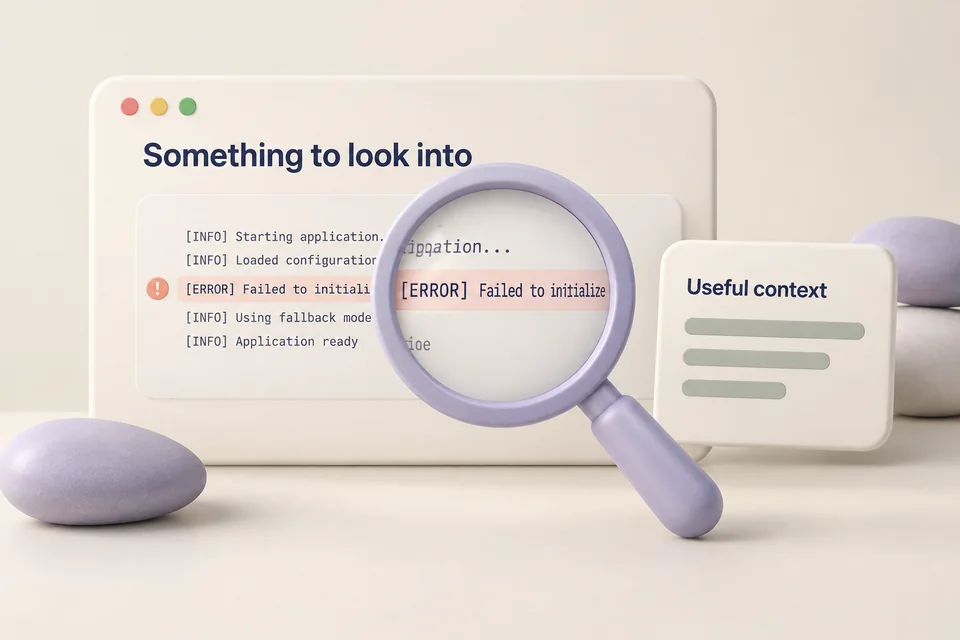
“What files are selected here?”
The voice path captures a context snapshot when speech begins, where supported.
Explorer selection is resolved from an identifiable active view. Multiple indistinguishable tabs are reported as ambiguous.
A later file operation rechecks the referenced files rather than silently using whichever window you switch to next.
Observed paths for the intended selection, or a clear request for a more specific source. Context snapshots expire and may need refreshing.
The desktop service collects supported structured context with the voice runtime. This command shows what it can actually observe.
uv run jarvis desktop contextInstall the browser and VS Code adapters for richer context. Configure existing project root folders for bounded discovery; unknown projects are not preloaded.
Read the current records without modifying the local database.
uv run jarvis desktop memory --kind projectOrdinary collection uses structured metadata without screenshots. Unsupported application internals remain unknown; file changes do not prove which document you read.
Project records live locally. Context used in a model request can be sent to the provider you configured. Disabling collection does not erase existing records; forgotten entities can be rediscovered through later observation.
Workflow images are generated illustrations, not screenshots of a connected assistant. Availability depends on your configured tools and providers.

Organize your real tabs, carry useful information across apps, and return to a saved setup.

Find the file, read the screenshot, prepare a batch, and reuse the recipe.
Timers, notes, tasks and reminders that can take the relevant page along.